

Quick Summary
We look at the 11 best POS systems for restaurants in 2026, such as Order Counter, Toast, Clover, and Oracle MICROS. We cover important features like how well they handle busy times, kitchen displays, and delivery app connections. You’ll find clear breakdowns for full-service restaurants, quick-service spots, bars, and multi-location businesses, all based on real-world use.
Our top 3 picks
# | Tool | Best For |
1 | Order Counter | Independent and multi-location restaurants that want a hybrid cloud POS with local support through BMC |
2 | Clover | Restaurants that want flexible hardware and strong payment processing |
3 | Toast | Full-service and QSR operators wanting a cloud platform with deep integrations |
Why Picking the Right Restaurant POS Matters
Restaurants operate differently from regular retail stores. They need to handle fast service, order changes, and complex table setups, which require special systems. A basic retail POS can process payments, but it usually means more work for your staff.
The right POS systems for restaurants define how every shift goes. Digital tickets get to the kitchen smoothly, so servers can serve more guests quickly. Your reports will also show what really happened during service.
This guide covers 12 POS platforms for full-service restaurants, quick-service spots, bars, hotels, and businesses with more than one location.
Why Listen to Us?
bmc has spent 65+ years helping independent retailers adopt new technology, from mechanical registers to modern cloud POS systems. We install, train, and support these platforms in real store environments every single week.
Our experience guides how we review restaurant POS systems. We look at how each one manages checkout speed, kitchen orders, payment options, delivery connections, and the support you get after setup.
Top 12 Restaurant POS Systems Compared
The table below shows where each POS platform works best and their starting prices, so you can quickly narrow down your options before reading the full details.
Now let’s get into how each system actually performs in real restaurant operations.
# | Tool | Best For | Key Strength | Starting Price |
1 | Order Counter | Full-service, QSR, bars, and delivery operations, available through BMC | Hybrid cloud reliability with local install and support via BMC | Custom pricing |
2 | Clover | Restaurants that want flexible hardware options | Wide hardware range with strong payment processing | Custom pricing |
3 | Toast | Full-service, QSR, bars, and cafes | 200+ integrations and restaurant-grade hardware | $0 Starter Kit |
4 | CAKE POS | Single-location restaurants on tight budgets | $0 down across all plans | $0 down |
5 | Square for Restaurants | Single-location restaurants and food trucks | Free tier with no locked-in contracts | Free |
6 | Restroworks | Multi-location chains and global QSR operators | Hardware-agnostic system used in 53+ countries | Custom pricing |
7 | Lightspeed Restaurant | Fine dining and hotel restaurants | Customizable workflows with PMS integration | $69/month |
8 | SpotOn | Full-service restaurants and bars | Blackout-proof offline mode and hospitality-aware support | $0 All-In Plan |
9 | Oracle MICROS Simphony | Multi-location enterprise restaurants | Real-time analytics across locations and channels | Custom pricing |
10 | HungerRush | Pizza and delivery-heavy operations | Native delivery management with driver tracking | Custom pricing |
11 | TouchBistro | Full-service and fine dining on iPad | Floor plan tools and tableside ordering | $69/month |
1. Order Counter
Order Counter is a cloud-hybrid POS that has powered restaurants since 2007. The platform fits full-service dining, quick service and fast casual, bars and nightclubs, pizza and delivery operations, and multi-unit groups.
The system pairs an in-house server with cloud access, so orders keep flowing when the internet drops while you still manage everything remotely. BMC sells, installs, and supports Order Counter as part of its restaurant and hospitality POS solutions, with on-site setup, staff training, and in-person service across Michigan, Ohio, Kentucky, and Indiana.
Key Features
- Hybrid Cloud Core: An in-house server keeps service running through outages, with real-time data replication and nightly backups.
- Kitchen Display: KDS routes tickets to prep stations, with coursing tools that pace multi-course service.
- OrderTab Tableside: Servers take orders and process payments at the table from a handheld device.
- Direct Online Ordering: Commission-free online ordering and delivery mapping protect margins from 25 to 35% third-party fees.
- Remote Back Office: Manage menus, inventory, employees, and multi-location reporting from any device.
Pricing
Custom pricing through BMC, scoped by location count, hardware needs, and feature requirements. You can request a demo for a tailored quote.
Pros
- Hybrid setup keeps orders flowing through internet outages.
- Local install, training, and in-person support from BMC.
- Commission-free online ordering protects delivery margins.
Cons
- Pricing requires a quote rather than published tiers.
- The on-site server adds hardware to maintain.
- Smaller integration ecosystem than the big cloud platforms.
2. Clover
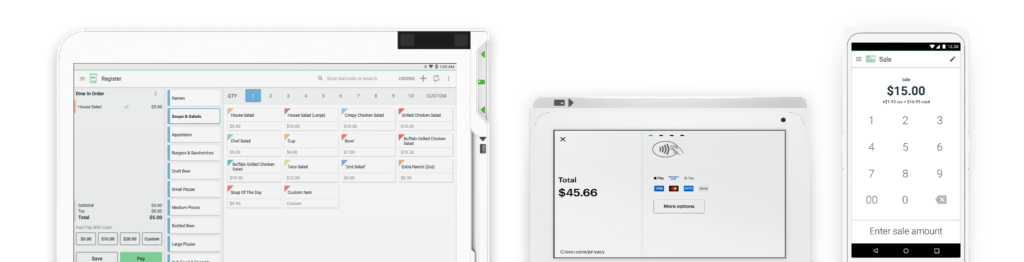
Clover is a payments-first POS used by full-service restaurants, quick-service operations, and bars. The platform sits within the Fiserv ecosystem, which provides it with robust payment-processing infrastructure and a wide range of hardware options.
You manage front-of-house, back-of-house, and back-office functions from a single dashboard. The system also runs subscription-based hardware plans, letting you get equipment with no money down through Clover Subscription.
Key Features
- Tableside Ordering: Servers take orders and process payments at the table using Clover Flex.
- Check Management: The software easily splits complex guest checks without causing frustrating mathematical billing errors.
- Direct Ordering: Commission-free direct online ordering pages protect your valuable third-party profit margins.
- Kitchen Display: KDS available in 14″ and 24″ models for order routing to prep stations.
- Inventory Tracking: Built-in tools track product sales and cost of goods across categories.
Pricing
Custom pricing with monthly subscription or pay-in-full hardware options. Payment processing fees are priced separately.
Pros
- Six hardware configurations across service styles.
- The subscription model removes the upfront equipment cost.
- Equipment Protection covers theft and accidents.
Cons
- Advanced features often need Marketplace apps.
- 3-year contracts required for hardware promotions.
- App marketplace adds recurring monthly costs.
3. Toast
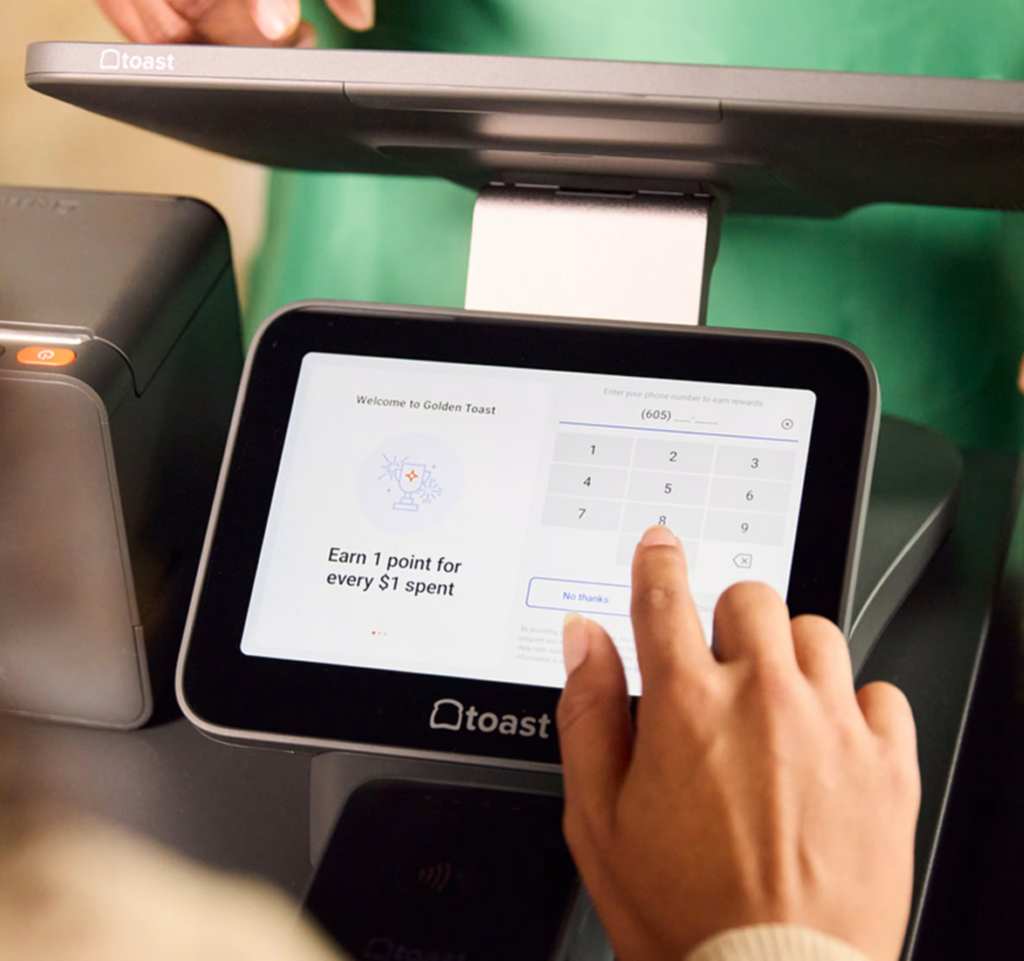
Toast is a cloud-based restaurant platform used by thousands of locations. It’s built for both full-service restaurants and quick-service concepts that need a tightly connected system.
POS, digital payments, payroll, and staff tools all live under a single login, so managers aren’t bouncing between different systems. Toast’s proprietary hardware is designed for kitchens with terminals that need to withstand heat, spills, and long rushes. Its large integration marketplace connects Toast to delivery apps, accounting tools, payroll, and back-office systems.
Key Features
- Flex Hardware: Restaurant-grade terminal screens safely withstand operational temperatures up to 120 degrees.
- Cellular Backup: Built-in cellular connections keep digital orders flowing smoothly during unexpected local internet outages.
- Kitchen Display: The system routes complex prep orders using customizable digital display tickets.
- Mobile Order: Your dining guests can quickly order and pay directly from their smartphones.
- Native Payroll: Native payroll software connects directly to your employee time clocks for complete accuracy.
Pricing
Starter Kit begins at $0/month with integrated processing. Point of Sale plans start at $69/month, with Build Your Own pricing for advanced features.
Pros
- Hardware survives spills, heat, and rush hours.
- Cellular backup protects checkout during outages.
- Mobile Order & Pay reduces server workload.
Cons
- Locked into Toast for card processing.
- Hardware costs apply beyond software fees.
- Limited flexibility on custom payment processors.
4. CAKE POS
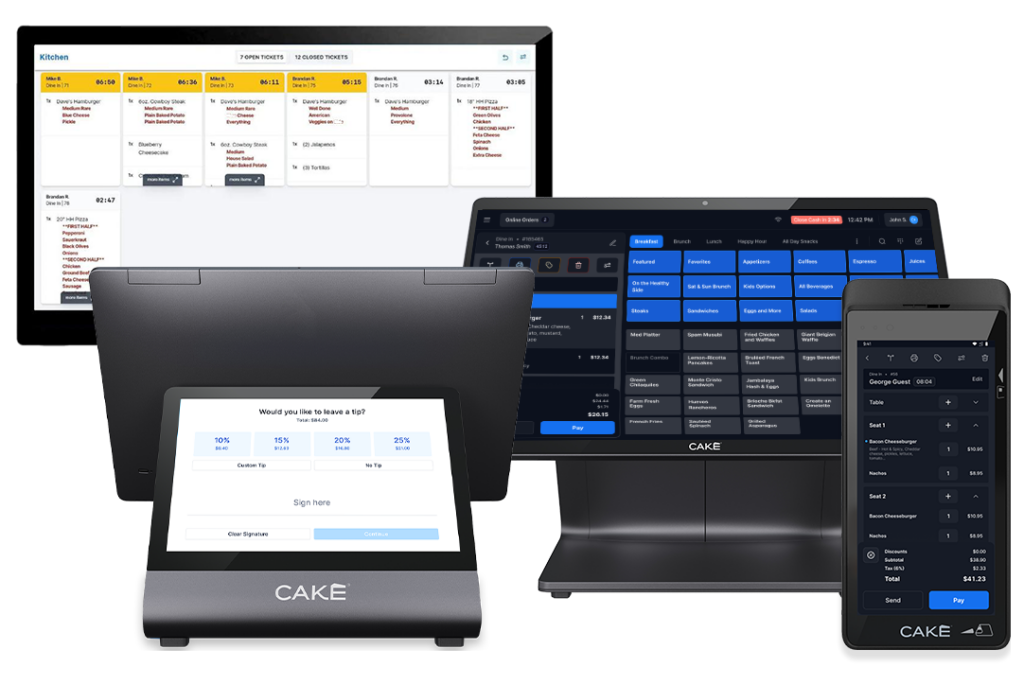
CAKE Point of Sale focuses on simplifying daily operations for operators. The platform supports single-location restaurants, full-service restaurants, and QSR operations. The system reliably combines online ordering, customer loyalty, and fast, secure payments.
Its terminal hardware features a bezel-less, fanless design for kitchens. The company offers unique inventory-ordering perks through its exclusive Sysco distribution partnerships.
Key Features
- Guest Tracking: Hosts track dining room covers and digital customer waitlists without paper.
- Fanless Screens: Fanless commercial screens prevent interior dust buildup and liquid damage in kitchens.
- Order Syncing: Online delivery tickets automatically align with internal kitchen prep orders without errors.
- Payment Flow: Built-in payment processing features properly handle complex split-check requests.
- Digital Loyalty: Fully integrated digital loyalty programs and securely reward frequent dining guests automatically.
Pricing
All three plans run $0 down with no monthly bill. Pricing is tied to payment processing terms, confirmed during the sales call.
Pros
- $0 upfront cost across every plan tier.
- Bezel-less hardware blocks spills and crumbs.
- Faster implementation than enterprise rollouts.
Cons
- Best fit for single-location operators.
- AI reporting is locked to higher plans.
- Smaller integration ecosystem.
5. Square for Restaurants
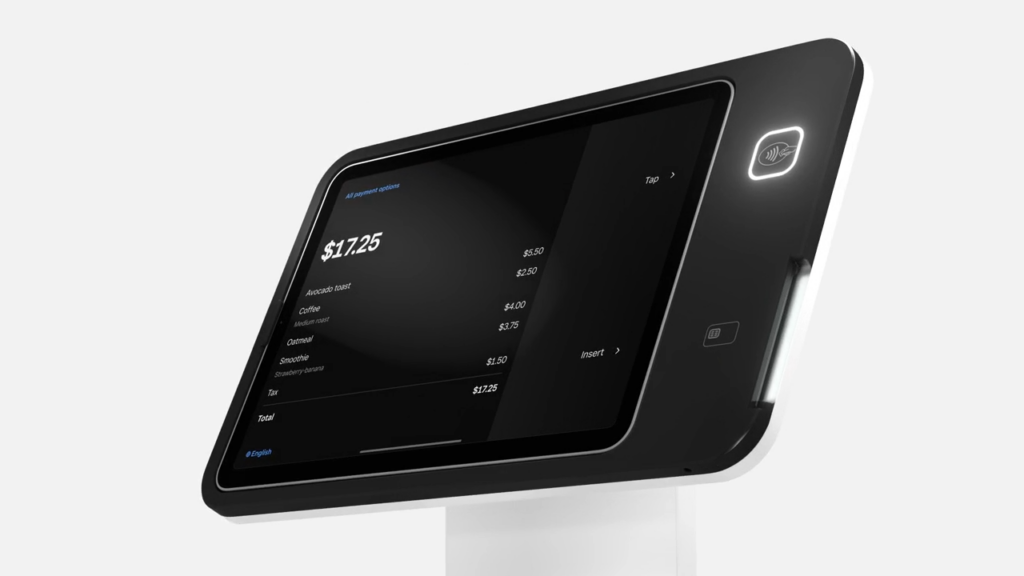
Square for Restaurants powers a wide range of food and beverage businesses, from food trucks and coffee shops to multi-location franchises. The platform has an accessible entry point for restaurants on tight budgets.
You get POS, payments, online ordering, kiosks, and back-office tools in one ecosystem with no locked-in contracts. The free tier removes the entry barrier entirely, though advanced features are available only on Plus or Premium plans.
Key Features
- Floor Management: Managers fully customize dining room layouts while precisely tracking open guest seats in real-time.
- Square KDS: The software routes complex tickets featuring highly customizable digital prep insights for cooks.
- Delivery Sync: Third-party delivery orders from Uber Eats connect directly into your main terminal screens.
- Tab Management: Preauthorized bar tabs with auto-gratuity for large parties.
- Square Kiosk: Self-service ordering software for QSR checkout throughput.
Pricing
Square Free runs $0/month per location. Plus is $49/month, Premium is $149/month, and Pro is custom for high-volume restaurants.
Pros
- Free tier removes the entry barrier completely.
- Square Kiosk handles self-service ordering.
- Multi-concept friendly across formats.
Cons
- Offline payments expire after 24 hours.
- Hardware compatibility narrower than PAR or NCR.
- Custom processing rates are only on the Pro tier.
6. Restroworks
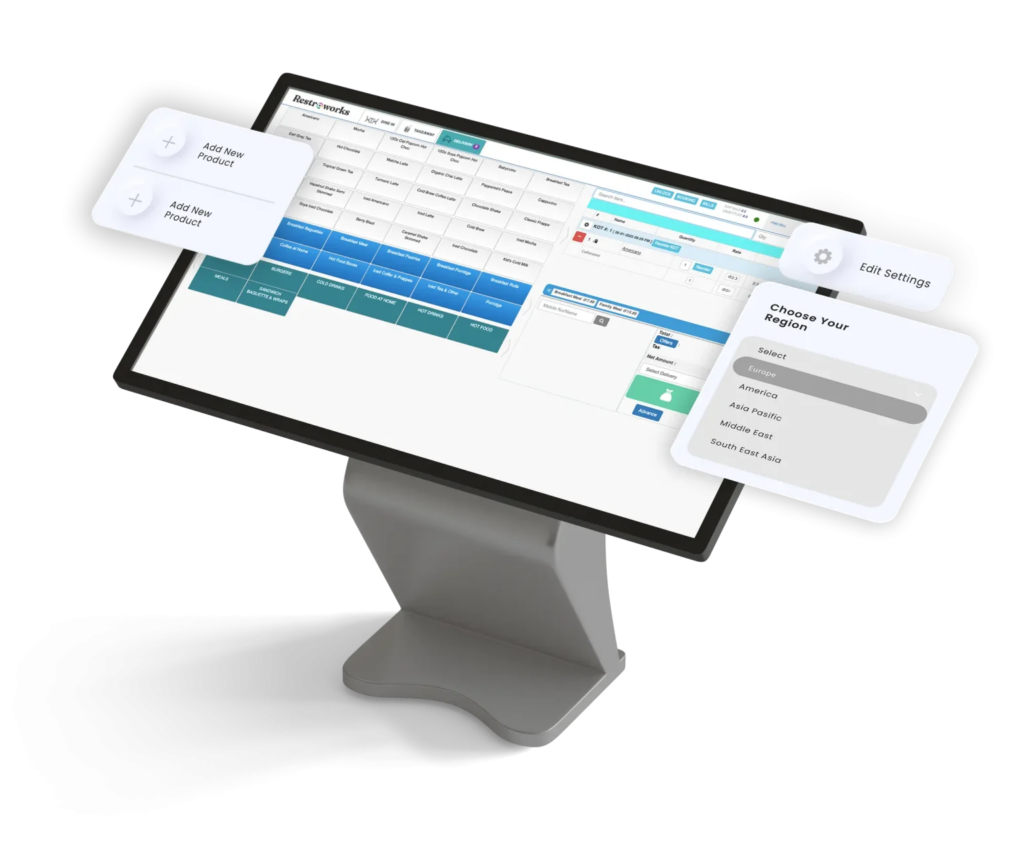
Restroworks is a cloud-based, hardware-agnostic POS built for multi-location chains, QSR brands, and large cloud kitchens. It runs on an open API with 500+ integrations, so brands can plug it into their existing tech stack instead of starting from scratch.
Enterprise customers use Restroworks to centralize menus, pricing, and promotions across regions while still allowing local flexibility. Its BFCD (Brand, Format, Cluster, Deployment) architecture gives corporate teams a clear view of every concept and market. This makes it easier to roll out changes and maintain consistent standards across hundreds of locations.
Key Features
- Central Menus: Corporate teams instantly update regional digital menus across all network locations in real time.
- Live Promotions: Marketing teams can easily create digital coupons and track daily campaign performance.
- Kitchen Display: Real-time KDS routes orders to prep stations to reduce errors during service.
- Cockpit App: A unique mobile application that safely delivers deep restaurant analytics directly to personal smartphones, anywhere.
- Digital Ordering: Digital ordering modules manage self-service kiosks alongside fully branded smartphone applications.
Pricing
Custom pricing based on restaurant format, number of locations, and deployment scope.
Pros
- Real-time reports provide global operational visibility.
- Enterprise tools support global franchises.
- Centralized menus sync changes instantly.
Cons
- Built for multi-location chains, not single stores
- Pricing details require sales consultations.
- System setup demands significant initial data mapping.
7. Lightspeed Restaurant
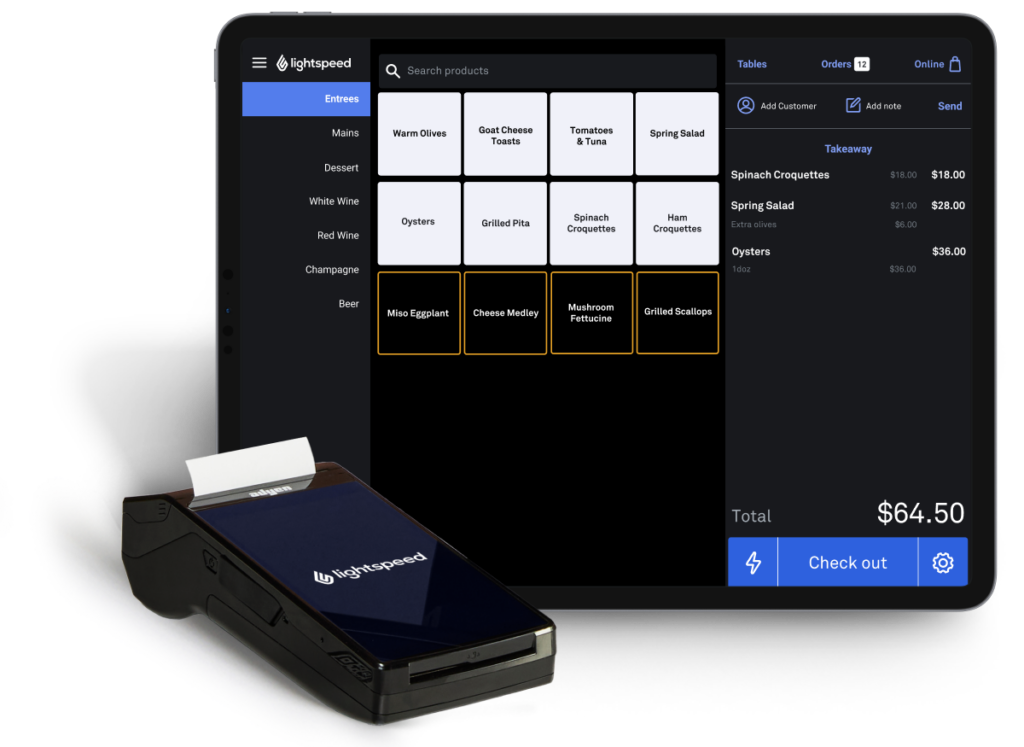
Lightspeed Restaurant is a cloud POS with a global footprint and a workflow approach focused on customization. The platform fits full-service restaurants, fine dining, hotels, bars, QSR, and multi-location operations.
The system lets you shape menus, screens, and floor plans around your service style rather than adapting to a fixed template. It also integrates with hotel property management software, making it a fit for restaurants operating within hotels.
Key Features
- Custom Workflows: Shape menus, screens, and floor plans around your service style.
- Live Insights: Managers can view real-time analytical data on menu performance and customer spending behavior.
- Order Anywhere: Online ordering, tableside ordering, and QR code ordering in one system.
- PMS Integration: Essential software fully integrates point-of-sale operational data into hotel property networks.
- Central Dashboard: Corporate directors can easily manage numerous regional restaurant locations from a single dashboard.
Pricing
Starter is $69/month, Essential is $189/month, Premium is $399/month, and Enterprise uses custom pricing. KDS adds $30/screen per month.
Pros
- Strong fit for fine dining and hotels.
- Dedicated account manager included on all plans.
- Multi-location and enterprise capabilities scale well.
Cons
- Multi-location features are locked to the Premium tier.
- Reservations are sold as an add-on across plans.
- Heavier system than single-location QSRs need.
8. SpotOn
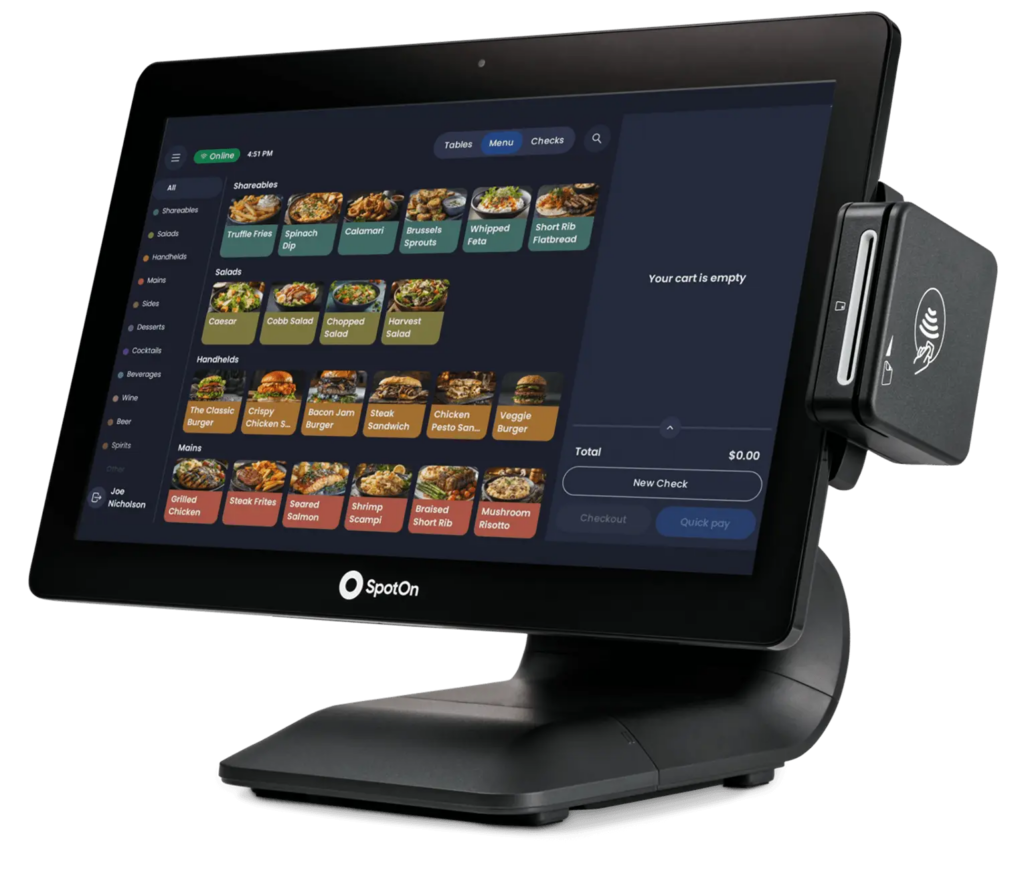
SpotOn is a cloud-based restaurant POS designed for hospitality teams that want front-of-house, back-of-house, and guest engagement tools working together. The platform serves full-service restaurants, bars, cafes, fast-casual, and counter-service operations.
You manage POS, handhelds, reservations, scheduling, online ordering, and marketing from one ecosystem. The system positions around restaurant-grade hardware and an offline mode designed to keep stations and KDS firing when the internet drops.
Key Features
- Handheld Service: Servers easily process customer orders and payments without visiting the main front terminal stations.
- Offline Mode: Activates automatically when the internet drops, syncs payments once restored.
- AI Menu Assistant: Build and modify menus with prompts instead of item-by-item editing.
- SpotOn Teamwork: Integrated scheduling, tip management, and employee app.
- Station 15 POS: Spill-proof terminal with 15.6″ Full HD touchscreen and card reader.
Pricing
The All-In Plan starts at $0/station per month, with hardware included. POS Essentials runs $55/station per month, and Build Your Own uses custom rates.
Pros
- Offline mode keeps KDS firing through outages.
- AI menu assistant speeds up menu changes.
- Commission-free online ordering protects delivery margins.
Cons
- Reservations are sold as an add-on across plans.
- The All-In Plan requires a minimum 2-year term.
- Smaller footprint outside the US market.
9. Oracle MICROS Simphony
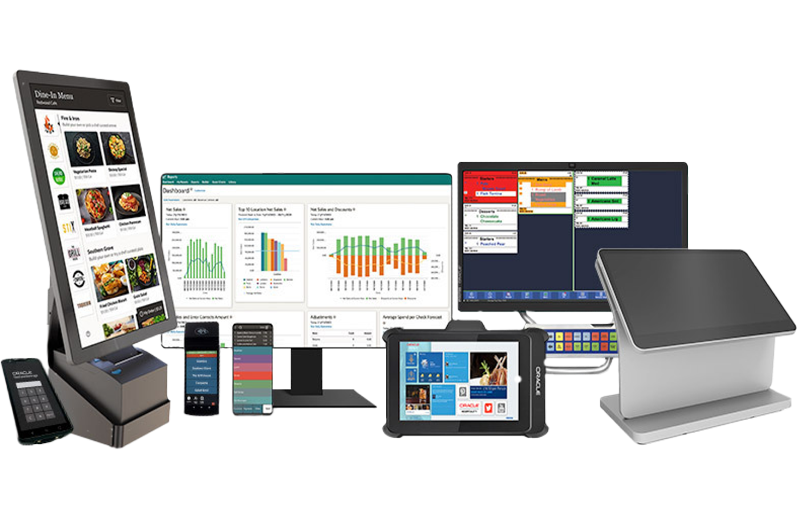
Oracle MICROS Simphony is a cloud-based restaurant POS that manages everything from online orders to in-house dining in one system. The platform fits quick service, fast casual, fine dining, pubs, cafés, and hotel restaurants.
The platform allows you to handle menu updates, kitchen routing, loyalty campaigns, and labor scheduling from a single POS. Self-service kiosks, tableside tablets, and mobile ordering all connect back to the same system. The Frontline Manager tool gives owners and managers control over menus, pricing, and promotions from any device.
Key Features
- Live Dashboards: Directors securely view highly accurate, real-time data dashboards that track performance across sales channels.
- Loyalty Campaigns: Marketing teams carefully build data-driven campaigns featuring direct mobile application updates.
- Demand Forecast: Advanced built-in digital tools accurately forecast product demand, reducing expensive food waste.
- Self-Service: Corporate teams can quickly configure highly dynamic digital pricing across customer-ordering kiosk screens.
- Ticket Pacing: Kitchen display systems automate ticket pacing while exposing hidden kitchen production bottlenecks.
Pricing
Custom enterprise pricing is scoped by location count, hardware needs, and feature requirements. Hardware sold separately.
Pros
- Oracle Cloud handles enterprise-grade security.
- Real-time data across locations and channels.
- Self-service kiosks cut front-of-house labor.
Cons
- Built for enterprise, not independent restaurants.
- Implementation timelines stretch beyond cloud-native systems.
- Higher total cost of ownership at a small scale.
10. HungerRush
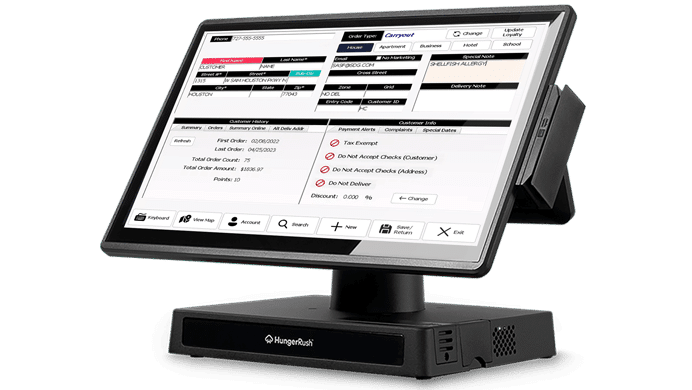
HungerRush is a cloud-based restaurant POS focused on delivery-heavy operations and customizable food workflows. The platform fits pizza, sandwich, burrito, and other QSR operations that handle complex menu items.
The system combines POS, online ordering, delivery management, loyalty, marketing, and gift cards into a single, natively integrated platform. Caller ID, delivery zones, ETAs, and driver route tracking come built into the system.
Key Features
- Delivery Management: Highly advanced native software tools feature local delivery zones alongside precise estimated arrival times.
- Third-Party Integration: External delivery orders, specifically from Uber Eats, flow directly into backend kitchen display screens.
- Automated Marketing: Email and text campaigns run on autopilot based on customer data.
- Kitchen Routing: Kitchen display systems route orders from front-of-house to prep stations.
- Auto Updates: Automatic background software updates constantly and completely eliminate frustrating daily local technical maintenance for operators.
Pricing
Custom pricing only, with no published tiers. Add-ons available across online ordering, delivery, loyalty, marketing, and KDS.
Pros
- Native delivery management with driver routing.
- 24/7 US-based customer support included.
- Automatic updates reduce maintenance work.
Cons
- Built around delivery, not table service.
- No published pricing on any tier.
- Limited integration ecosystem.
11. TouchBistro
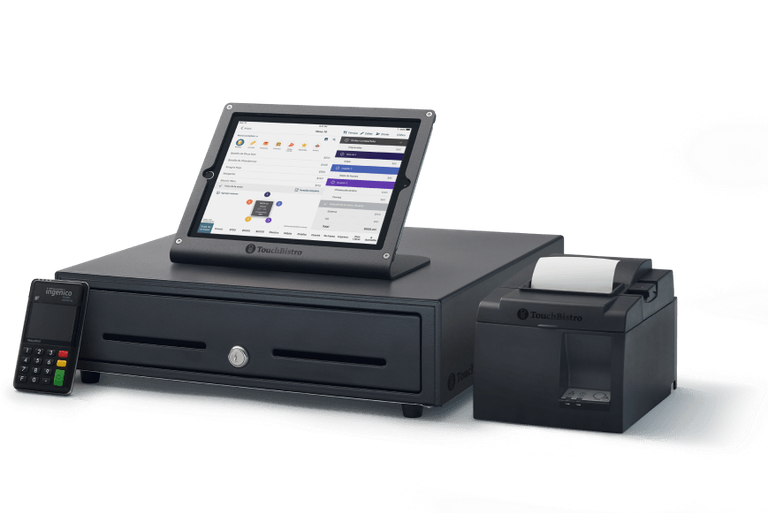
TouchBistro is a cloud-based, iPad-native restaurant POS built around table management and the guest experience. The platform fits full-service, fine dining, family-style, QSR, fast casual, bars, breweries, and multi-unit operations.
The system is organized around modular components. You start with the core POS and add KDS, reservations, online ordering, inventory, loyalty, and labor management based on your operation’s needs.
Key Features
- Floor Plans: Managers perfectly customize dining floor plans using physical table-distance layout parameters and time.
- Mobile Tableside: Apple iPads let busy servers securely split bills immediately at the table.
- Offline Mode: Offline mode securely processes credit payments entirely without an active broadband internet connection.
- Direct Delivery: Restaurants can easily accept direct website delivery orders while paying only a small payment processing fee.
- Kitchen Display: Routes orders from front-of-house to prep stations with order timing.
Pricing
POS software starts at $69/month per location. Hardware and add-ons are quoted separately.
Pros
- Built specifically for restaurant workflows
- Tableside ordering speeds up service at the table.
- Modular designs prevent paying for unused features.
Cons
- Runs only on iPad, no Android option.
- Reservations and online ordering need add-ons.
- No drive-thru or QSR-specific throughput tools.
Choosing the Best POS System for Your Restaurant
The best POS system for you depends on your restaurant’s operations, not just on which vendor advertises the most. Use these tips to help narrow down your choices.
- Service model fit: Your service model decides what the POS actually needs to do. A pizza shop runs nothing like a fine dining room, and the system should match how your team works.
- Kitchen routing and KDS: The kitchen needs clear, accurate tickets every single time. Check how the POS sends orders to prep stations and whether it handles timing for multi-course service.
- Payment processing flexibility: A few platforms force you to use their payment processing. Others let you choose your own processor, and that single decision can affect your costs for years.
- Support model: Some providers only help through email tickets or a chatbot. Others send a real technician on-site for setup, staff training, and hardware repairs when something breaks mid-shift.
- Delivery and online ordering: DoorDash, Uber Eats, and direct orders should automatically sync to the POS. If your team has to retype orders from tablets, you lose time and make mistakes during rush hours.
Your Next Step Toward a Better Restaurant POS Setup
Even the best POS platform can fall short if your support team isn’t there after setup and you’re left waiting in a help ticket line. Each vendor on this list handles support differently, so the right choice depends on whether you need a system that scales, something simple, or local help from someone who understands your restaurant.
If you run an independent restaurant, BMC delivers platforms like Order Counter with support that feels like having your own tech team. You get hardware, training, and on-site help from technicians familiar with your business. If you’re outside their main service areas, you still receive remote support and repair services.
Are you ready to upgrade your restaurant’s technology?