
Mobile POS
Move Checkout Anywhere to Keep Your Store Flowing
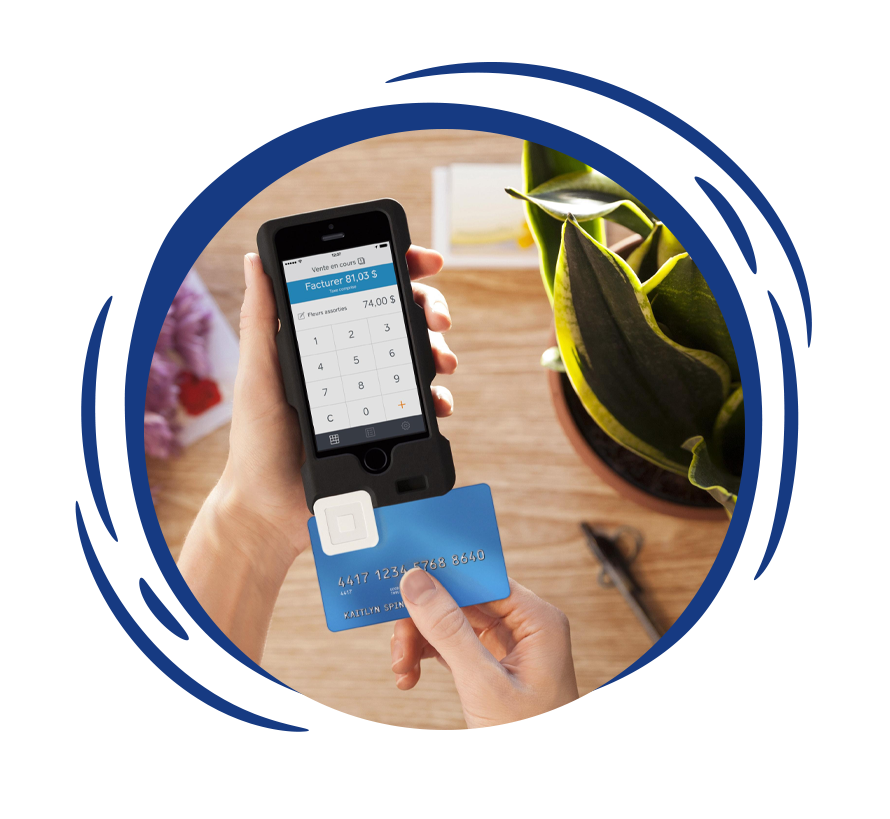
Fixed registers limit your ability to handle busy periods or outdoor sales. BMC’s mobile POS extends your core system onto handheld devices so your team can complete sales and check inventory without leaving the sales floor or creating a separate workflow.
Trusted by Independent Retailers





When You Are Tied to the Counter, Lines and Errors Multiply
Mobile POS solves problems operators feel every day but often accept as normal. When checkout only happens in one place, pressure builds fast during busy hours.
Lines Slow Down the Entire Store
Peak traffic turns into congestion at the front end. Customers wait longer, staff rush, and service quality drops when every sale must funnel through fixed registers.
Managers Get Pulled Off the Floor
Supervisors abandon oversight to help ring sales. That tradeoff creates blind spots, missed issues, and less support for staff who need guidance.
Improvised Solutions Lead to Errors
Teams improvise with handwritten notes or delayed checkouts. Sales still happen, but accuracy and control suffer.
Disconnected Mobile Tools Sync Poorly
Standalone mobile apps promise speed but often cause reporting errors and inventory confusion, leaving your team to clean up problems after the fact.
Who BMC’s Mobile POS Is Built For
This system fits owner operators who need to move checkout capacity directly to the sales floor for real time accuracy.
Independent Grocers
Use mobile POS to shorten checkout lines and keep staff available during rush periods.
Thrift Store Chains
Rely on mobile checkout during donation surges, sale days, and floor heavy workflows.
Liquor Stores
Use mobile POS to assist customers without stepping away from compliance tools and pricing accuracy.
Convenience Stores
Support high volume throughput without terminal failures. Keep store level inventory accurate with rugged hardware purpose built for retail operations.
Mobile POS That Works With Your Core System
Mobile POS only helps when it is part of the system you already trust. BMC configures mobile as an extension of your core POS, not a separate layer that staff must work around.

Shared Database for Inventory and Pricing
Inventory and pricing stay in sync because mobile pulls from the same source as the main register.
Strict User Permissions and Security Control
Permissions are set by role so devices stay helpful without creating risk.


Guided Training for Real World Adoption
Staff receive practical training on when and how to use mobile POS, so workflows stay efficient.
Support and Local Hardware Ownership
Support comes from the same team that knows your full setup, not a disconnected mobile vendor.

Ready to Take the Register to the Floor?
See how mobile POS fits your store without disrupting what already works.
How BMC Sets Up Mobile POS
A stable rollout starts with the core POS foundation, then locations and integrations are layered on in stages.
Step 1
Validate Existing System Foundation
Your core POS foundation and workflows are validated.
Step 2
Configure Device Permissions
Mobile devices are configured to match inventory rules, pricing, and permissions.
Step 3
Train Teams for Go-Live
Teams are trained and supported after adoption so mobile use feels natural from day one.
Mobile POS Features That Simplify Daily Operations
These mobile POS capabilities are measured by how much pressure they remove during busy periods and how they fit into existing store workflows.
Checkout Anywhere Without Breaking Flow
Staff complete transactions on the floor without sending customers back to the register.
Real Time Inventory Access on the Floor
Employees can confirm item details instantly to reduce backroom trips and prevent misinformation.
Shared Catalog and Pricing Control
Mobile devices pull from the same product catalog and pricing rules as the main POS, so every transaction stays consistent.
Controlled Access by Role and Device
Staff access matches responsibility, which keeps checkout fast while protecting sensitive actions.
One Support Team for the Full System
Mobile POS is supported by the same team that implemented your core registers to ensure faster troubleshooting.
What Gets Easier With Mobile POS
Mobile POS should make store operations easier, not add another layer to manage. These are the improvements operators notice first.
Shorter Lines During Peak Hours
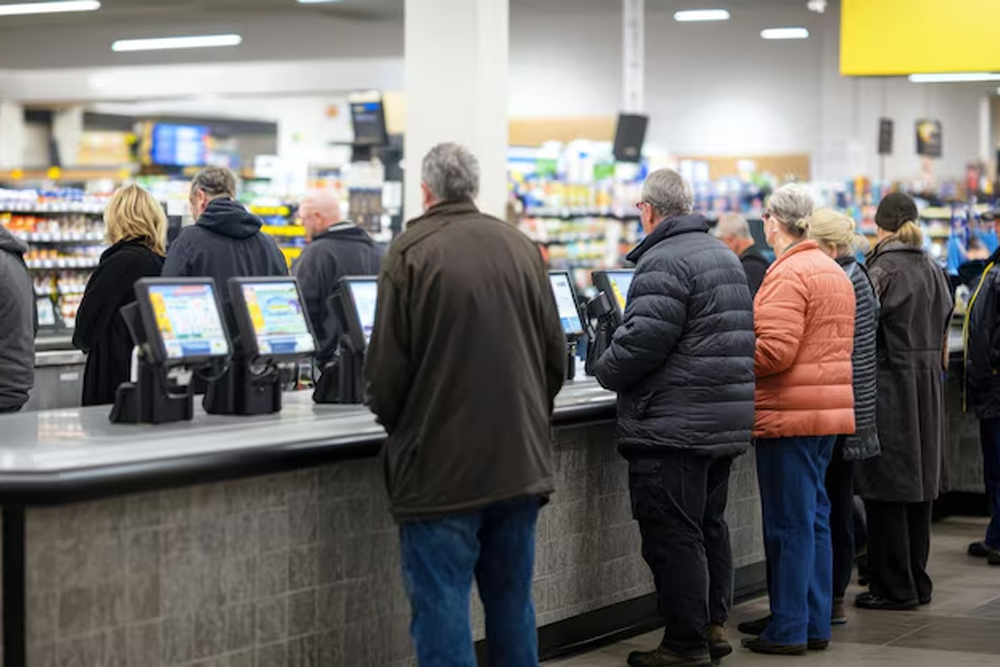
Sales no longer bottleneck at a single counter, which reduces wait times and keeps customer flow steady even during rushes.
More Present and Effective Staff
Employees stay on the sales floor to handle customer needs and inventory tasks directly.


Fewer Disruptions During Busy Windows
Managers spend less time reacting to congestion and more time overseeing the store.
Operational Flexibility Without Rework
Seasonal peaks, special events, and layout changes are easier to handle because checkout adapts without forcing system changes.

Frequently Asked Questions
Yes. It connects through your local network to the central database. Every transaction or inventory change shows up instantly across all terminals.
No. Devices can be shared. Staff log in with their unique ID at the start of a shift or transaction so sales are tracked correctly regardless of who is holding the unit.
Mobile sales are captured in the same central database as your fixed lanes. You can filter reports by specific device or register type.
Yes. Staff can perform shelf side counts and stock adjustments that sync instantly with your main inventory records.
Yes. Transactions follow the same security standards and processing rules as fixed registers. Systems are configured to meet PCI compliance standards required for retail payment processing.
Serve Customers Anywhere With Mobile POS
Reframe your store as a flexible environment where checkout happens wherever your customers are. Book a demo to see how BMC makes mobility part of a system built for real stores.