
Multi-Location POS
Keep Every Store Aligned From One System
Running more than one location shouldn’t mean more spreadsheets, more re-entry, or more “which store sold it?” confusion. BMC helps you unify inventory, pricing, and reporting across locations with a multi-location POS that’s implemented with your team, trained for real workflows, and supported long after go-live.

Trusted by Independent Retailers





When Locations Don't Share One System, You Pay for It Daily
Multi-location complexity creates inventory drift, inconsistent pricing, reporting confusion, and support chaos when something breaks mid-shift.
Inventory Moves, But Your System Doesn't
Stock gets moved between shelves, backrooms, and pop-ups, but the numbers don’t follow. Without location-level tracking, counts lie and teams stop trusting inventory.
Reporting Fragmentation Across Locations
Store-by-store reports don’t match, so comparing performance is messy. Without one roll-up view, it’s hard to spot winners, fix weak stores, or plan inventory.
Pricing and Promos Get Inconsistent
One store updates, another misses it. That causes checkout disputes, margin leaks, and “why is this price different here?” complaints.
Vendor Runaround Wastes Hours
When POS, hardware, and payments are split, support sends you elsewhere. You lose time troubleshooting while the line keeps growing.
Who BMC's Multi-Location POS is Built For
If you’re running multiple locations and want clarity, consistency, and support, this multi-location POS is for you.
Independent Grocers and Small Chains
Keep pricing, promos, inventory, and reporting consistent across stores without adding admin overhead.
Thrift Stores
Standardize workflows across stores, reduce training friction, and keep reporting clean for leadership and boards.
Liquor Stores
Manage multiple stores with compliance tools, category visibility, and consistent pricing without manual back-and-forth.
Non-Fuel Convenience Stores
Support fast checkout and centralized reporting while keeping store-level inventory accurate and manageable.
Multi-Location POS That Works Because It's Implemented and Owned
BMC installs the POS first, then configures locations, workflows, and integrations so multi-store operations stay stable and scalable.
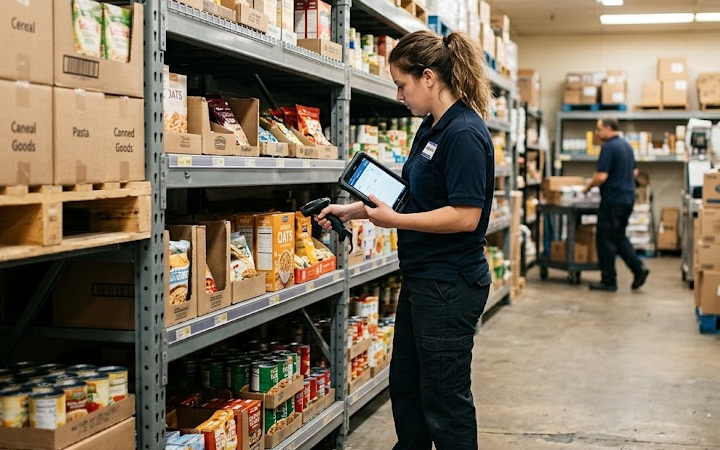
Location-Level Inventory You Can Trust
Keep counts accurate by store and stockroom so transfers, sales, and adjustments don’t create inventory drift.
One Source of Truth for Reporting
See what’s selling, where it’s selling, and what’s changing without stitching together reports from different systems.
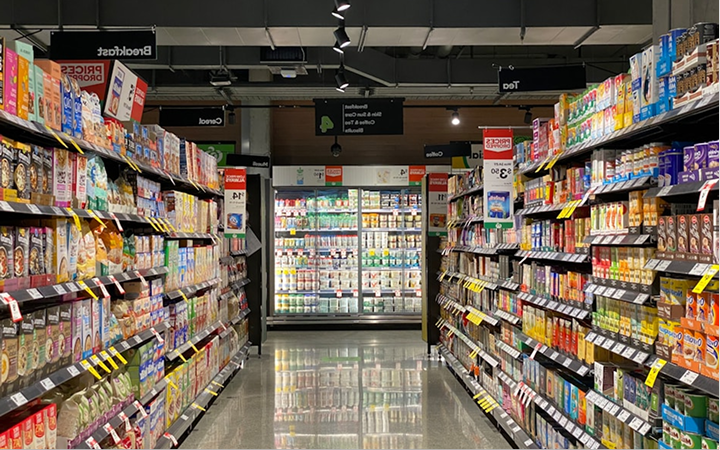

Consistent Pricing and Promotions Across Locations
Make a change once and roll it out everywhere, so shelf/register disputes drop and promo execution stays clean.
Implementation, Training, and Support That Stays
Multi-location only works when teams are trained. BMC supports setup, go-live, and the weeks after when real-world issues show up.

Ready to Run Multiple Locations Without Losing Control?
Book a demo and see how BMC implements a multi-location POS that fits your stores and your staff.
How BMC Sets Up Multi-Location POS
A stable rollout starts with the core POS, then locations, workflows, and integrations are layered on.
Step 1
Install the POS Foundation
Hardware, payments, and core workflows set up first.
Step 2
Configure Locations and
Inventory Rules
Store-level stock, transfers, roles, and permissions.
Step 3
Train Teams and Support Go-Live
Training, SOPs, and support to keep adoption strong.
The Multi-Location Features That Actually Reduce Work
These are the features that make multi-store operations smoother because they reduce manual correction and confusion.
Location-Based Inventory and Transfers
Track stock per store, manage transfers cleanly, and reduce “where did it go?” shrink confusion.
Centralized Catalog and Pricing Control
Maintain one product catalog and push pricing updates consistently so stores stop drifting.
Role-Based Permissions by Location
Assign access by store and role so managers see what they need without creating security headaches.
Unified Reporting Across Locations
Compare stores, categories, and time periods with one reporting source you can trust for decisions.
Support Model Built for Real Stores
When something breaks, you need resolution, not finger-pointing. BMC supports the setup end-to-end.
What Gets Easier When Your Locations Run on One System
Multi-location POS should reduce work, not add complexity. These are the outcomes operators care about most.

Fewer Inventory Fires
Less stock confusion, cleaner transfers, and fewer situations where inventory looks available but can’t be found.
Cleaner Numbers You Can Act On
Reporting aligns across locations so decisions are based on reality, not patched spreadsheets.
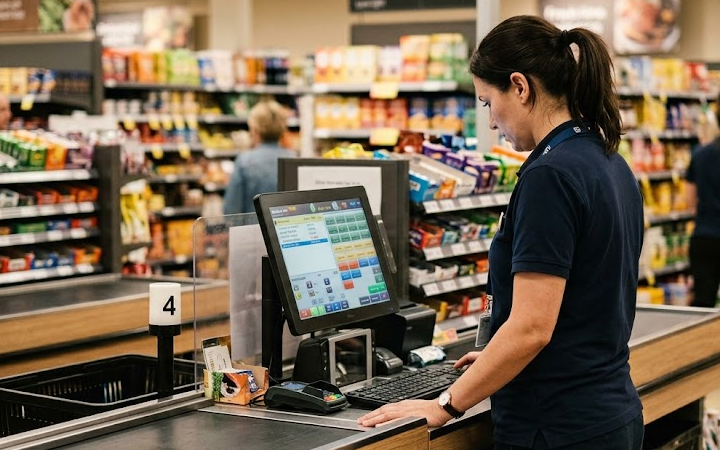

More Consistent Store Execution
Pricing, promos, and workflows stay consistent so customers and staff stop dealing with avoidable friction.
Growth Without Operational Drag
Adding locations becomes a repeatable rollout, not a reinvention of your systems every time.
Frequently Asked Questions
Yes. A true multi-location POS supports store-level inventory and location-level controls, including transfers and adjustments, so sales pull from the right stock and reporting stays accurate.
Not always. Many retailers need multi-location POS plus strong implementation and reporting. ERPs can be heavy and consultant-dependent. The right POS can cover what operators need daily.
Support matters most in the moment. BMC helps implement the full setup so issues don’t bounce between vendors, and troubleshooting is faster when time and lines are on the line.
Yes. Multi-store success depends on training and repeatable workflows. BMC sets up the system with your team and trains staff so each location runs the same playbook.
Yes. BMC supports independent retailers with vertical-specific needs like reporting, compliance, and operational speed, so the system fits how your stores actually run.
Run Multiple Locations as One Operation
Stop managing multiple locations like separate businesses. Book a demo to see how BMC implements a multi-location POS that keeps inventory, pricing, and reporting aligned.