

Quick Summary
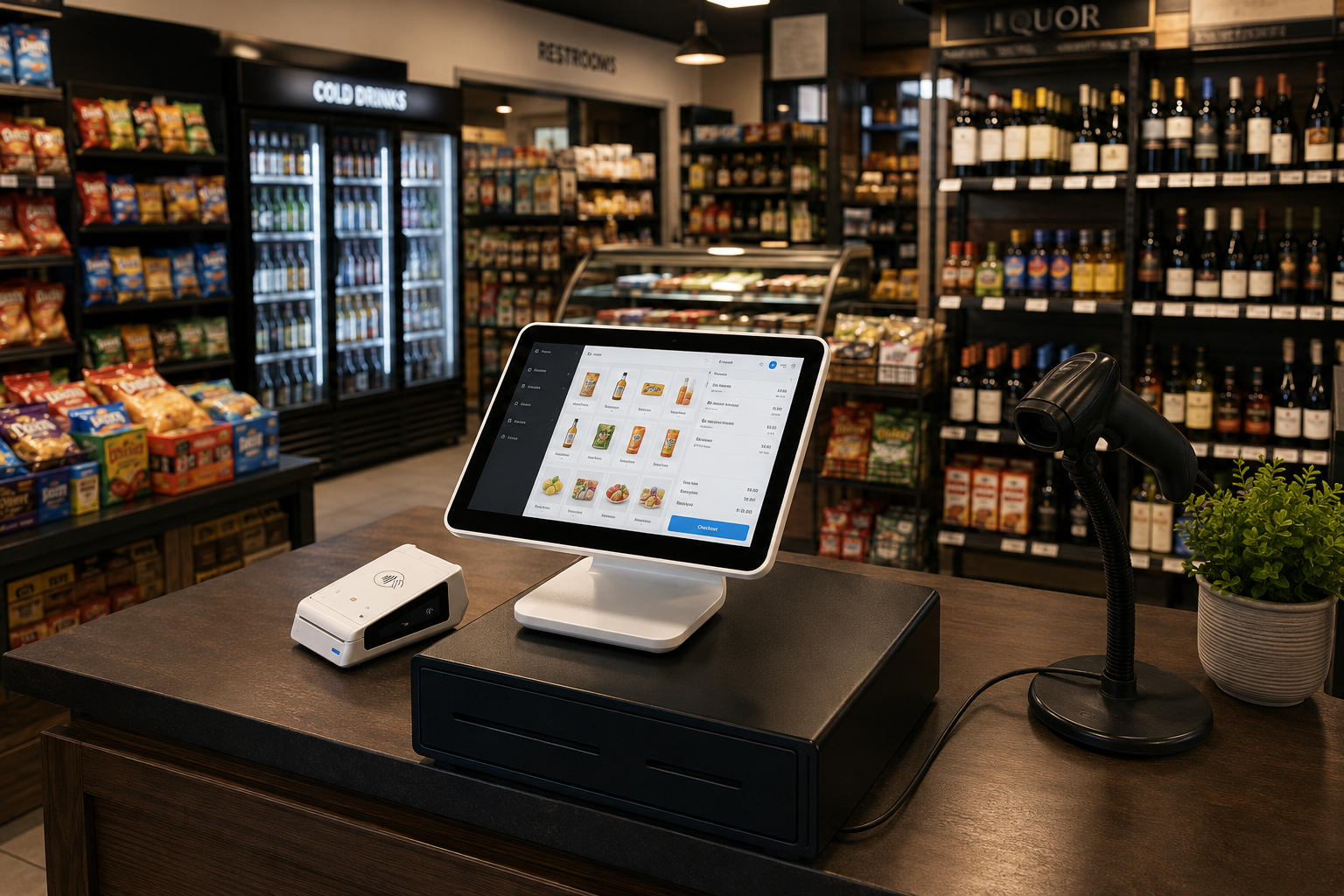
This guide compares the best Clover alternatives for independent retailers in 2026, organized by industry: convenience stores, grocery, and liquor. For each vertical we cover the platforms that fit best and how to choose the right one for how your store actually runs.
Why Look Beyond Clover?
Clover handles payments well and offers a wide range of hardware. It works for plenty of businesses, especially when the main goal is straightforward checkout and reliable card processing through Fiserv.
The friction usually shows up later. Much of Clover’s deeper functionality lives in third-party apps from the Clover Marketplace, which means more vendors, more monthly fees, and more troubleshooting when something breaks. Several features sit behind specific plans or hardware bundles, and the proprietary hardware locks you into Clover’s ecosystem.
For independent retailers in specific verticals, the bigger issue is fit. A convenience store, a grocery store, and a liquor store each have workflows that Clover treats as generic retail. The alternatives below handle those workflows more directly.
Why Listen to Us?
BMC has spent 65+ years helping independent retailers choose and run point-of-sale technology, from mechanical registers to modern cloud POS.
We install, configure, and support these systems every day across grocery, convenience, and liquor retail, so this comparison reflects how the platforms perform in working stores, not how they read on a feature sheet.
How We Chose These
We organized this list by vertical, because the best POS for a liquor store is rarely the best for a grocer. We judged each platform on the things that actually matter in daily operation: vertical-specific workflows, payment flexibility, quality of support, and how well it scales. The picks below are the systems we would genuinely put in front of an operator in each vertical.
Where Osprey appears, it is our own platform, delivered and supported by BMC. We include it because it is purpose-built for the independent retail environments these lists cover, and because we stand behind the install, training, and ongoing service ourselves. If you want help matching any of these to your business, you can talk through your options with us at any point.
Best Clover Alternatives for Convenience Stores
Convenience stores run on speed, thin margins, age-restricted sales, and thousands of fast-moving SKUs. The POS needs quick checkout, reliable age verification, lottery and tobacco handling, and inventory tools that keep up with constant restocking. Clover can run a c-store, but it leans on add-ons for the features operators need most.
|
# |
System |
Best For |
Key Strength |
|
1 |
Osprey POS |
Independent c-stores wanting purpose-built features with local setup and support |
Fast checkout, ID-scan age verification, lottery/tobacco handling, ESLs, multi-store |
|
2 |
NCR |
Multi-store c-store groups planning to grow |
Enterprise reporting, loss prevention, multi-store management |
|
3 |
Korona POS |
Operators wanting retail-grade inventory and flat-fee pricing |
High SKU handling, processor-agnostic, no long contracts |
|
4 |
Square |
Smaller stores wanting a low-cost, fast start |
Free entry tier, simple setup, integrated payments |
Osprey POS
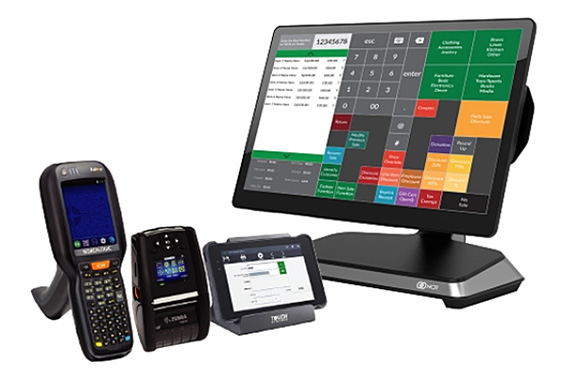
Osprey is built for the convenience store environment and delivered directly by BMC, which means the same team handles the software, hardware, install, and ongoing support. It keeps checkout fast during rush periods, handles lottery, tobacco, and other age-restricted sales with ID scanning and register prompts, and tracks fast-moving inventory so shelves stay stocked. Electronic shelf labels keep shelf pricing aligned with the register, and multi-store tools centralize pricing and reporting as you add locations.
Pros
- Purpose-built for c-store workflows, including lottery, tobacco, and age-restricted sales.
- ID-scan age verification and register prompts reduce compliance risk.
- ESL integration and centralized multi-store pricing and reporting.
- Delivered and supported by BMC, with on-site technicians for setup, training, and repairs.
Cons
- Custom pricing requires a consultation rather than a published rate.
Pricing
Custom pricing based on hardware, store setup, and number of locations. Contact BMC for a tailored quote.
Best For
Independent single-location and small-chain c-stores that want purpose-built features and a partner who handles setup and support locally.
NCR
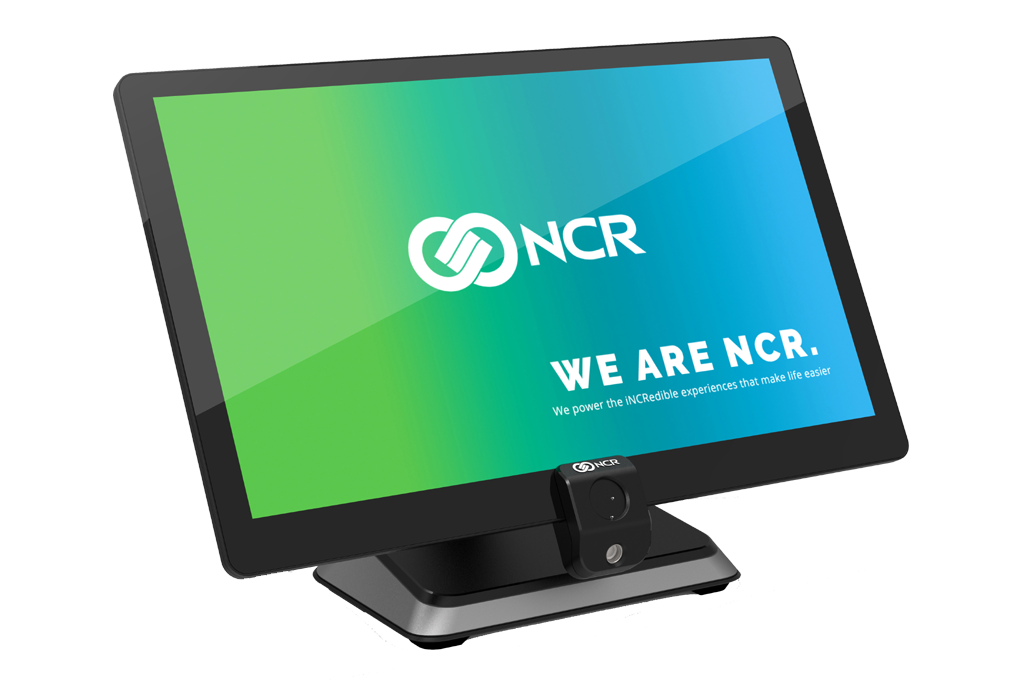
NCR is a heavier, established platform suited to convenience operators who want depth in reporting, loss prevention, and multi-store management, and who plan to grow. For a multi-location group it provides enterprise-grade room to scale, and BMC deploys and supports it directly.
Pros
- Enterprise-grade reporting and loss prevention.
- Strong multi-store management for growing groups.
- Proven at high transaction volumes.
Cons
- More depth than a single-register shop needs.
- Rewards proper implementation and ongoing support over self-setup.
Pricing
Custom pricing based on configuration and number of locations.
Best For
Multi-store c-store operators who want enterprise depth and a clear growth path.
Korona POS
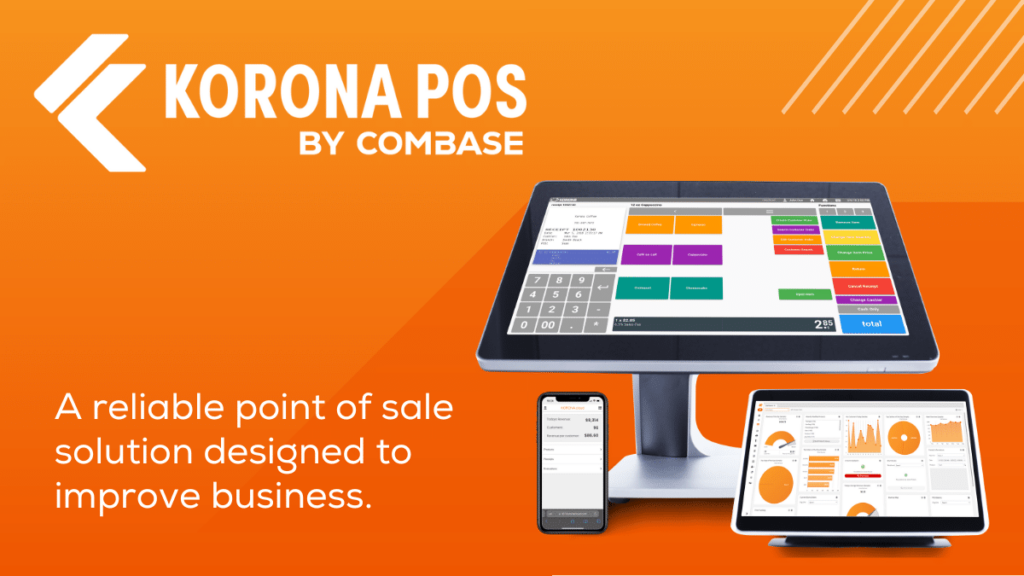
Korona is built around retail and convenience operations rather than restaurants, which shows in how it handles high item counts and reporting. It offers strong inventory management, multi-store visibility, and a flat monthly fee that does not lock you into a payment processor.
Pros
- Retail-grade inventory and reporting.
- Processor-agnostic with flat, predictable pricing.
- No long-term contracts.
Cons
- Software-led, so hardware and support depend on the partner.
- Less brand recognition than the larger platforms.
Pricing
Flat monthly subscription per terminal, with hardware separate.
Best For
Operators who want strong back-office control and the freedom to choose their own processor.
Square
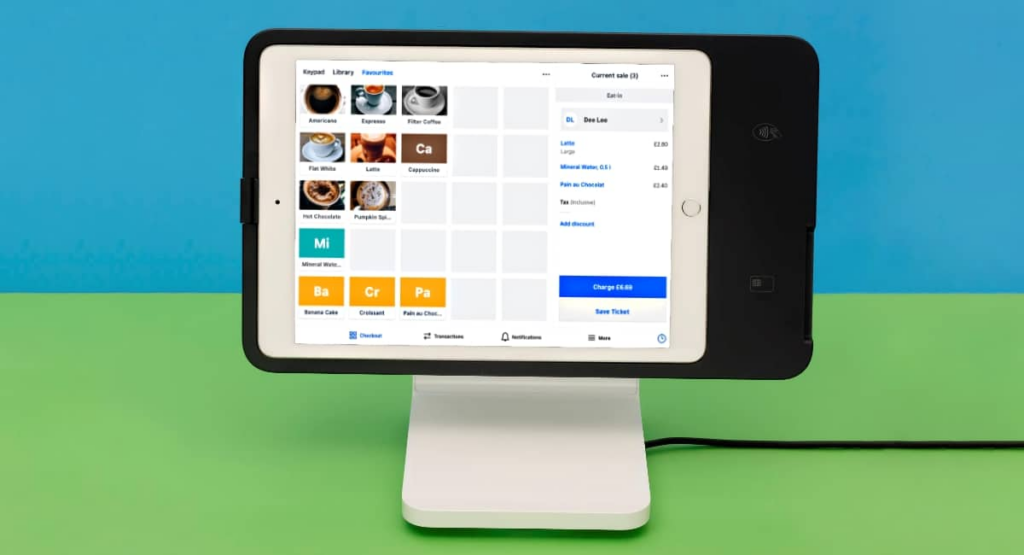
Square is the easiest, lowest-cost entry point on this list. You get POS, payments, and basic inventory with no locked-in contracts, and the free tier removes the entry barrier entirely.
Pros
- Free entry tier and fast setup.
- No long-term contracts.
- Integrated payments out of the box.
Cons
- Age verification, lottery, and deeper inventory lean on add-ons.
- Locked into Square’s payment processing.
Pricing
Free plan available; paid plans from $49/month per location, hardware separate.
Best For
Smaller or newer c-stores that want a low-cost, simple start and can add capability later.
For convenience stores, the deciding factor is usually not the logo. It is whether age verification, smart replenishment, and multi-store reporting are configured correctly and supported when something fails mid-shift. BMC deploys and supports systems like these for independent c-stores and can help you scope the right setup.
Best Clover Alternatives for Grocery
Independent grocery has demands generic retail POS rarely handles well: perishables and weighted items, high SKU counts, healthy-benefits compliance like EBT and WIC, scale integration, and increasingly self-checkout and electronic shelf labels. Clover treats these as generic retail functions.
# | System | Best For | Key Strength |
1 | Osprey POS | Independent grocers wanting grocery-specific tools with local setup and support | Self-checkout, age verification, ESLs, inventory tracking, EBT-ready checkout |
2 | NCR | Grocers needing depth and room to scale | Reporting depth, category management, self-checkout, multi-store |
3 | IT Retail | Independent grocers managing fresh departments and weighted inventory | Scale integration, weighted items, EBT/WIC |
4 | Square | New or small grocers wanting a simple start | Low barrier to entry, clean interface, modular add-ons |
Osprey POS
Osprey delivers a complete grocery solution, designed for grocery and high-volume retail and delivered directly by BMC. It combines self-checkout kiosks, integrated POS software, hardware, and on-site support, so independent grocers get one provider for setup, training, and ongoing service rather than a stack of vendors.
Pros
- Combines POS software, kiosks, hardware, and support into one package.
- Self-checkout kiosks reduce wait times and streamline operations.
- Built-in age verification for consistent compliance on restricted sales.
- Automated inventory tracking and replenishment, plus ESL integration.
- Delivered and supported by BMC, with on-site technicians for setup, repairs, and ongoing support.
Cons
- Requires a consultation to determine exact pricing.
Pricing
Custom pricing based on hardware, store setup, and number of locations. Contact BMC for a tailored quote.
Best For
Independent and multi-store grocers who want grocery-specific functionality and a single provider for hardware and ongoing support.
NCR
NCR is a serious grocery-capable platform with the reporting depth, category management, and self-checkout options a real grocery operation needs. It is built for the complexity of a full grocery store rather than a corner shop, and BMC deploys and supports it directly.
Pros
- Deep reporting and category management.
- Self-checkout and multi-store capability.
- Scales with a growing operation.
Cons
- A significant system that needs proper configuration.
- More than a small single-store grocer requires.
Pricing
Custom pricing based on configuration and locations.
Best For
Independent and multi-store grocers who want depth and a long-term growth path.
IT Retail
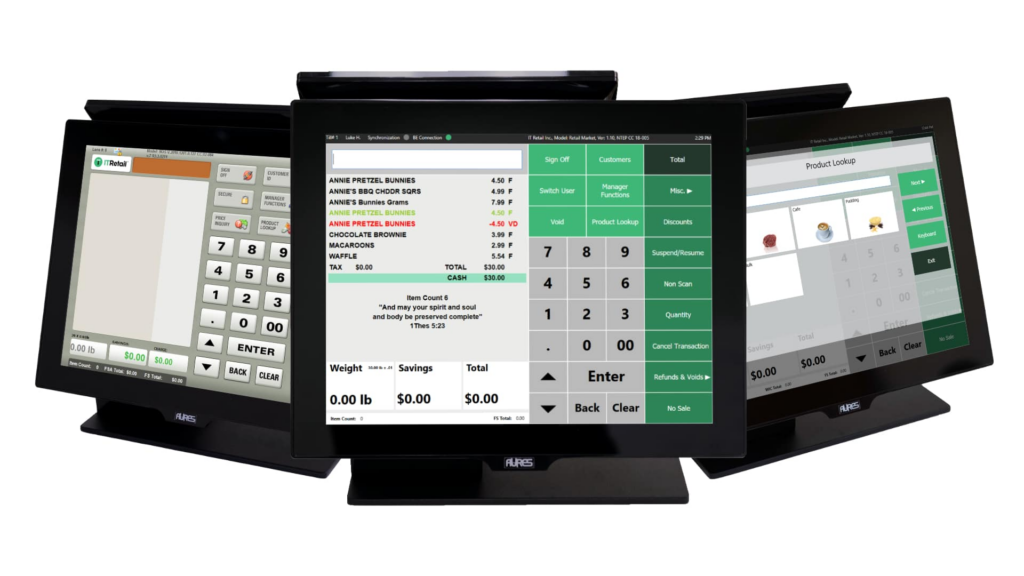
IT Retail is purpose-built for grocery, with decades of focus on the vertical. It handles the fundamentals generic systems struggle with: scale integration, weighted-item scanning, EBT and WIC support, and self-checkout.
Pros
- Built specifically for grocery and supermarket operations.
- Strong scale integration and weighted-item handling.
- Supports EBT/WIC and self-checkout.
Cons
- Back-office interface can feel dated.
- Software-led, so deployment and support depend on the partner.
Pricing
Starts around $49/month and up, quote-based by configuration.
Best For
Independent grocers who want grocery-specific tools and are comfortable with a software-led platform.
Square
Square lets a new or small grocer get started quickly and add capability over time. The interface is clean and the entry cost is low, though advanced grocery features require paid add-ons.
Pros
- Low barrier to entry and easy to learn.
- Modular add-ons as needs grow.
- No long-term contracts.
Cons
- Advanced grocery and compliance features require add-ons.
- Locked into Square’s payment processing.
Pricing
Free plan available; paid plans from $49/month per location, hardware separate.
Best For
New or small grocers who want a simple, low-cost start and plan to scale gradually.
Grocery is where fit matters most, because compliance and perishable workflows are unforgiving. BMC’s roots are in independent grocery, and we help owner-operators choose and run the right system. If you are evaluating options, start with our grocery POS guidance.
Best Clover Alternatives for Liquor Stores
Liquor retail combines age verification, supplier rebate programs, tight pricing accuracy across large SKU ranges, and loss prevention. The right POS makes compliance automatic and captures rebate revenue that is easy to leave on the table. Clover handles payments cleanly but treats these as generic retail functions.
# | System | Best For | Key Strength |
1 | Osprey POS | Independent liquor stores wanting purpose-built features with local setup and support | Age verification, inventory accuracy, ESLs, multi-store pricing and reporting |
2 | NCR | Multi-store liquor operators scaling up | Rebate automation, loss prevention, multi-store reporting |
3 | mPower Beverage | Operators wanting deep liquor-specific features | Case-break handling, rebates, beverage inventory |
4 | Korona POS | Stores prioritizing pricing accuracy and SKU control | Strong inventory, flexible pricing, processor-agnostic |
Osprey POS
Osprey is delivered directly by BMC and built for the independent retail environments liquor stores operate in. It handles age verification with ID scanning, keeps pricing accurate across large SKU ranges with ESL integration, and centralizes pricing and reporting across multiple locations. As with grocery and c-store, BMC handles the software, hardware, install, training, and ongoing support as one provider.
Pros
- ID-scan age verification and register prompts for consistent compliance.
- Accurate pricing across large SKU ranges, with ESL integration.
- Centralized multi-store pricing and reporting.
- Delivered and supported by BMC, with on-site technicians.
Cons
- Custom pricing requires a consultation rather than a published rate.
Pricing
Custom pricing based on hardware, store setup, and number of locations. Contact BMC for a tailored quote.
Best For
Independent single-location and small-chain liquor stores that want purpose-built features and a partner who handles setup and support locally.
NCR
NCR provides the depth for multi-store liquor operators who want rebate automation, loss prevention, and centralized reporting across a growing chain. BMC deploys and supports it directly.
Pros
- Rebate automation and loss prevention.
- Centralized multi-store reporting.
- Scales across a growing chain.
Cons
- More platform than a single store needs.
- Benefits from proper setup and ongoing support.
Pricing
Custom pricing based on configuration and locations.
Best For
Multi-store liquor operators who want enterprise depth and centralized control.
mPower Beverage
mPower Beverage is built specifically for liquor retail. It handles case-break handling, supplier rebate programs, and beverage-focused inventory, making it the deepest dedicated vertical fit on this list for a single-focus liquor operator.
Pros
- Built specifically for liquor and beverage retail.
- Case-break handling and rebate program support.
- Beverage-focused inventory management.
Cons
- Narrow focus, less useful if you diversify beyond beverage.
- Upfront setup fee on top of the monthly cost.
Pricing
Around $120/month for one register plus a one-time setup fee near $1,000, with additional fees per register.
Best For
Dedicated liquor operators who want the deepest vertical-specific feature set and don’t need a single provider for hardware and support.
Korona POS
Korona fits operators focused on pricing accuracy and SKU control across large ranges. Its inventory tools are strong, pricing is flexible, and the flat, processor-agnostic fee appeals to margin-conscious owners.
Pros
- Strong inventory and flexible pricing across large SKU ranges.
- Processor-agnostic with flat pricing.
- No long-term contracts.
Cons
- Software-led, so support depends on the partner.
- Fewer liquor-specific features than a dedicated platform like mPower.
Pricing
Flat monthly subscription per terminal, hardware separate.
Best For
Liquor operators who prioritize pricing accuracy, SKU control, and processor freedom.
The liquor-specific wins, automated rebates, clean age verification, and multi-store pricing accuracy, depend on configuration more than brand. BMC sets these up and supports them for independent liquor retailers and can help you weigh the options for your stores.
How to Choose the Right Clover Alternative
Across every vertical, the same handful of decisions separate a good POS choice from an expensive mistake.
1. Vertical Fit
Your store type decides what the POS actually has to do. A liquor store’s rebate and compliance needs look nothing like a grocer’s perishable and EBT workflows. Match the system to your operation, not to a generic retail label.
2. Payment Flexibility
Some platforms lock you into their processing. Others let you choose your processor, and that single decision can affect your costs for years. Read the contract terms before you sign.
3. Support Model
Some providers help only through tickets or chat. Others send a real technician on-site for setup, staff training, and repairs when something breaks during business hours. For an independent operator, that difference is felt every week.
4. Implementation
A POS is only as good as its setup. Inventory databases, compliance settings, and reporting all have to be configured to your store. This is where a self-install often falls short and where an experienced partner earns their keep.
5. Growth Path
Think about where the business is in two years. Adding a location or a new compliance requirement should not mean rebuilding your entire system from scratch.
Work With an Advisor, Not Just a Platform
Choosing a POS shapes how every shift runs, from checkout speed to how clean your reporting looks at month-end. The platforms above each fit their verticals better than Clover does, but the harder question is not which logo you pick. It is whether the system is set up correctly for your store and supported by someone who answers the phone.
That is the role BMC plays. We are not another platform on this list. We are the independent advisor that helps grocery, convenience, and liquor retailers choose the right system, deploy it properly, train staff, and support it locally for the long haul. Many of our customers stay with us for 7 to 10 years.
If you are weighing alternatives to Clover and want a straight answer about what fits your store, book a conversation with our team.