

Quick Summary
Clover is a flexible, app-driven POS that suits restaurants and general retail well. It’s a strong fit for everyday checkout, but weaker for compliance-heavy stores like grocery, c-store, and liquor.
Here are the pros and cons at a glance.
Pros | Cons |
|---|---|
Polished, intuitive hardware | Proprietary hardware you can’t reuse |
Deep app marketplace | Locked to Fiserv processing |
All-in-one setup | Flat-rate fees climb at high volume |
Strong restaurant and retail fit | App and add-on fees stack up |
Real-time cloud dashboard | Thin native tools for specialty retail |
Overview of Clover POS
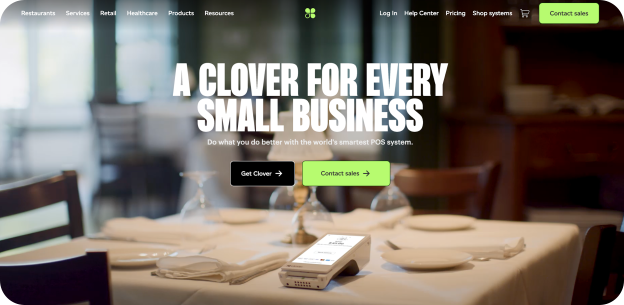
Clover is a cloud-based POS platform by Fiserv.
It bundles hardware, software, and payment processing into one system. You buy a terminal, pick a plan, and process payments through Clover. Its app marketplace lets you bolt on extra features as needed.
Clover sells across several business types, offering tailored plans for retail, quick-service, full-service dining, and personal services. Each type offers tiered software packages, with features you unlock as you move up the tiers.
Clover is also available through many different resellers. Each sets its own pricing and processing rates. That means two stores can run the same hardware on very different terms. It pays to compare quotes carefully.
Clover is the right fit for many businesses offering intuitive hardware and an easy setup, but for compliance-heavy systems, like grocery POS, the picture changes.
Key Features
Clover covers the core of what most small businesses need. Here’s what stands out.
Hardware Lineup
Clover offers a range of devices:
- Clover Go: mobile card reader for phones and tablets
- Clover Flex: handheld terminal with printer and scanner
- Clover Mini: compact countertop touchscreen
- Clover Station Solo: full checkout station with cash drawer and printer
- Clover Station Duo: adds a customer-facing display
The build quality is genuinely good, and staff tend to learn the interface fast.
Payments and Checkout
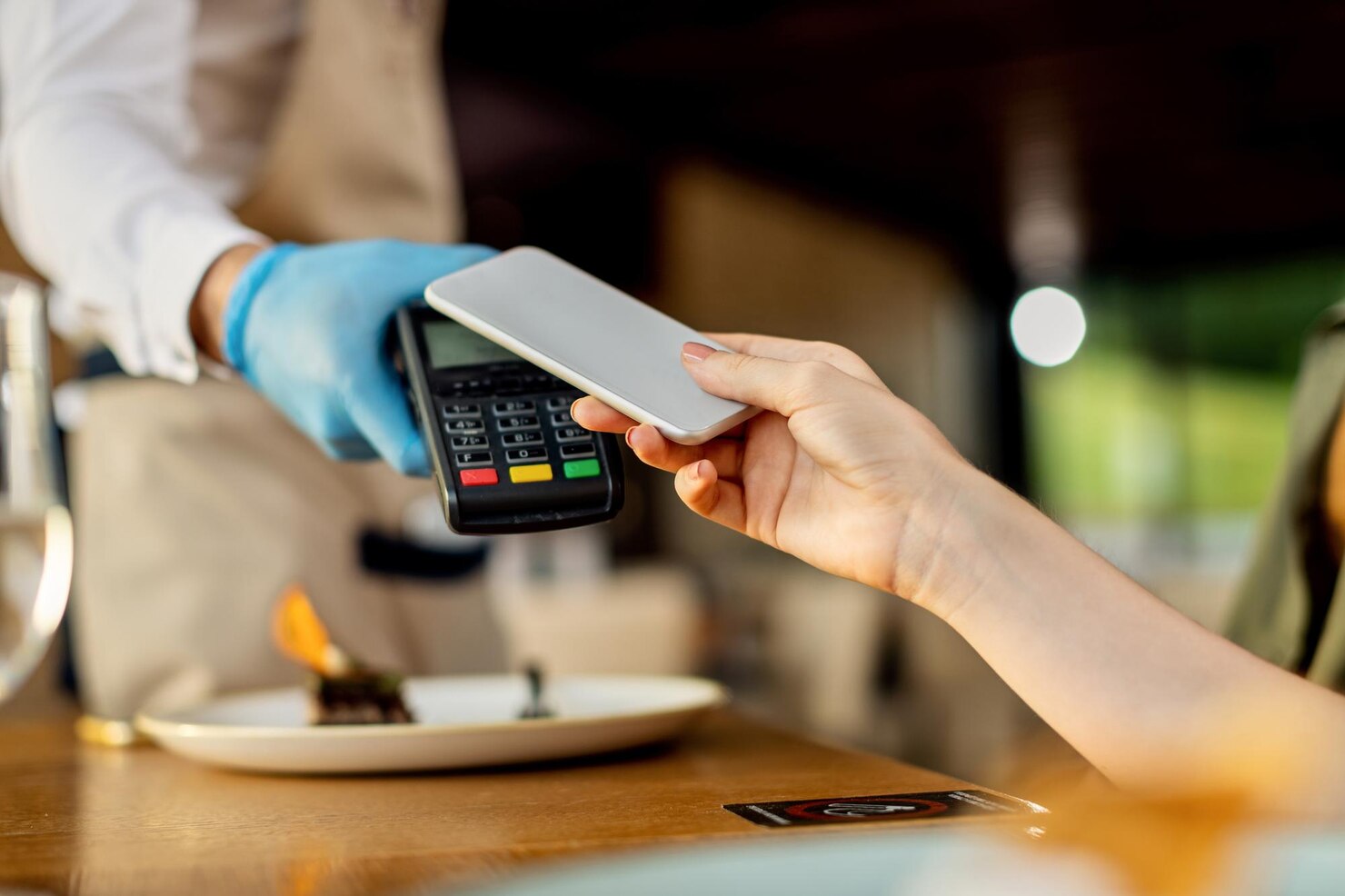
- Clover accepts payments from swipe, chip, tap, and mobile wallets (with EBT available after setup)
- Checkout is quick and reliable, which helps for high-throughput counters
Here’s how we think about POS payments for independent retail.
Inventory and Reporting
- Clover tracks stock levels and sends low-stock alerts
- The dashboard shows live sales data from anywhere
For light catalogs, this works fine. For deep retail inventory, you’ll lean on apps to handle the complexity.
Employee and Customer Tools
- Clover handles staff logins, basic permissions, and shift tracking
- Payroll runs through add-ons rather than the core software
- Customer engagement features like loyalty, gift cards, and marketing all run through the marketplace rather than the core software
App Marketplace
- You can add loyalty, scheduling, e-commerce, and advanced inventory often without needing new hardware
The marketplace is Clover’s biggest strength, and the flexibility is real. But since many apps carry monthly fees, so are the running costs.
Pricing
Clover’s pricing comes in three forms: software plans, hardware costs, and processing fees.
Pricing shifts often and varies by reseller. Treat these as ballpark figures, not direct quotes.
Software Plans
Plans scale by business type and tier. A rough picture for 2026:
- Entry payment-only plans: $0 per month
- Essentials and retail tiers: $15–$85 per month
- Full-service restaurant plans: $135–$180 per month
Higher tiers unlock better inventory, reporting, and loyalty tools.
Hardware Costs
Hardware is a separate, upfront line item. Device pricing generally lands in this range:
- Clover Go reader: $199
- Clover Flex: $749
- Clover Mini: $849
- Clover Station Solo: $1,799
- Clover Station Duo: $1,899
You can pay up front or finance over 36 months. Financing often locks you into a multi-year contract.
Processing Fees
This is where most of your monthly costs live.
Clover uses flat-rate processing. Typical in-person rates fall between 2.3%–3.5% plus about $0.10 per transaction (rates vary by reseller and card type).
Flat-rate pricing is simple at low volume. At higher volumes, it gets expensive fast.
Watch the Hidden Costs
A few fees catch growing teams off guard.
- Extra user logins can add a per-seat monthly fee
- Priority phone support may cost extra
- Many marketplace apps bill monthly
- Multi-year hardware contracts carry early-termination penalties
The advertised price and the real bill often differ. Ask any reseller for an itemized quote.
A Real-World Cost Picture
Say you run a single-lane store. You buy a Station Duo and a retail plan.
Hardware costs $1,899 upfront. Software adds $50–$85 per month, and processing takes 2.3%–3.5% of every sale. Add an inventory app at $49–$109 per month, and the total climbs quickly. At grocery or liquor volume, processing alone can dwarf the software bill.
Pros
Clover does several things well. These are its real strengths.
- Clean, reliable hardware: staff learn it fast, and it holds up at the counter
- Deep app marketplace: you can extend the system in almost any direction with apps
- All-in-one simplicity: hardware, software, payments, and support in one place
- Fast checkout: strong throughput for busy lanes and tables
- Cloud dashboard: live sales and reporting from anywhere
- Restaurant and general retail fit: purpose-built plans for these contexts
If your operation is straightforward, Clover offers an intuitive and functional system.
Cons
Clover suits some stores more than others. Here’s where Clover frustrates owners.
- Proprietary hardware: you can’t move Clover software to other terminals, so switching later means starting over
- Processor lock-in: boards to Fiserv and can’t be reprogrammed, which removes your pricing leverage
- Flat-rate processing: costs climb sharply as transaction volume grows
- Stacking app fees: advanced inventory apps alone run $29–$229+ per month
- Thin specialty tools: no native WIC, limited tobacco scan data, shallow case-level inventory
- Remote-first support: no local partner showing up when a lane goes down
While none of these are dealbreakers for a cafe, specialty and high-volume stores will feel these cons day-to-day.
Who Should Choose Clover
Clover fits some businesses well. You’re likely a good fit if this sounds like you.
- You run a restaurant, cafe, or quick-service spot
- You operate a boutique, gift shop, or simple general retail store
- You run a service business that needs clean checkout and booking apps
- You want a plug-and-play setup and polished hardware
- Your inventory and compliance needs are light
- You process modest card volume, so flat-rate fees stay reasonable
If most of these match, Clover is a sensible, capable choice.
Who Shouldn’t Choose Clover
Clover is a generalist. Specialty retail is not a generalist operation. Think twice if this is you.
- You run an independent grocery store with WIC, EBT, and tight category margins
- You operate a convenience store needing tobacco scan data and fast age verification
- You run a liquor store that breaks cases and earns money from supplier rebates
- You manage multiple locations and want to negotiate or switch processors
- You process high card volume, where flat-rate fees quietly eat your margin
- You want local service from a partner who knows your store
For these operators, Clover’s drawbacks add up. You end up patching the system with paid apps, and the “simple” platform stops feeling simple.
What to Choose Instead
If Clover isn’t the right choice for your business, here’s what to look for in an alternative.
Native Compliance, Not Add-Ons
Grocery and c-store operators live on benefits and compliance. WIC, EBT, and tobacco scan data should be built in.
Bolt-on apps work until they don’t. Our convenience store POS treats compliance as a core feature, not an upsell. Age verification and fast scan-data reporting belong in the system you already use every day.
Inventory Built for Your Workflow
Liquor stores break cases into bottles. Grocers buy on deal cycles and manage margins in tight windows. These inventory systems are complex.
Look for native case cost, bottle cost, distributor IDs, and vendor program tracking. That’s how grocery inventory tools should work out of the box. Many independent grocers don’t run perpetual inventory at all. They manage gross margin through deal-buying cycles instead. The right system fits that reality rather than fighting it.
Liquor operators should expect the same depth. Miss a rebate window, and that’s real margin gone. We add rebate and supplier automation into the liquor store POS itself.
Smart Replenishment for C-Stores
Convenience stores live on fast-moving SKUs. Stockouts cost impulse sales every single day.
A purpose-built system flags what’s selling and when to reorder. That keeps your best shelves full without manual guesswork. Throwing labor at this problem is exactly what owners eventually get tired of.
Built for Generational Transitions
Many independent grocers are handing their business to the next generation. The incoming owner often wants modern systems, not the obsolete setup they inherited.
A flexible, well-supported POS makes that handoff smoother. It also signals that the business is ready to grow, not just hold steady.
Processing You Can Negotiate
Locked hardware removes your leverage. A flexible system lets you shop processing as you grow.
That flexibility matters most across multiple locations, where small rate differences add up fast.
Add-Ons That Fit Your Store
The right system makes upgrades easy, not painful. Check out our self-checkout, loyalty programs, and electronic shelf labels to see what we mean.
These should integrate cleanly, not fight your POS or pile on surprise fees.
Local Service That Shows Up
When a lane fails on a Saturday, a support queue isn’t enough. Our local partners know your store and are always ready to help get your system running again.
That’s the difference between a vendor and an advisor. One sells you a box. The other helps you run the business.
The BMC Perspective
Here’s our honest disclosure. BMC has served independent retailers since 1958.
We build systems specifically suited to grocery, c-store, liquor, and thrift workflows. Our bias is clear: we think compliance, deep inventory, and rebate tools belong in the core system, not bolted on through paid apps. We also believe local, relationship-based service beats a support queue every day of the week.
Clover is a strong generalist platform. For a restaurant or a simple shop, it’s a fair choice. For a compliance-heavy, margin-sensitive specialty store, the drawbacks add up.
Pick the system built for how your store actually runs. Request a demo today.
FAQ
Is Clover good for liquor stores?
It can work with add-on apps. Native tools for case breaking, rebates, and tobacco scan data are limited. Many liquor operators need deeper inventory than Clover offers out of the box.
How much does Clover cost per month?
Software plans range from about $0 to $180+ per month. Hardware and flat-rate processing fees apply on top. Real monthly cost depends heavily on volume and app usage.
Can you switch payment processors on Clover?
Generally no. Clover hardware boards to Fiserv. Once boarded, you can’t reprogram it to another processor.
Does Clover support EBT and WIC?
EBT acceptance is available with setup. WIC is not natively supported, which matters for grocery and c-store operators.